


Phone Case Fit Issues Explained
Posted by New Case on 3rd Feb 2026
Buying a new phone case should be a simple way to protect your device, but sometimes, things don’t go as planned. Fit issues like loose cases, stuck buttons, or misaligned ports can be frustrating and even impact how you use your phone. Understanding why these problems happen—and how to avoid them—can save you time and hassle.
Common Phone Case Fit Issues
Many Australians have experienced disappointment after receiving a case that just doesn’t quite fit. Here’s a look at the most common problems that arise with phone case fit issues:
- The case is too loose or too tight
- Side buttons or ports are blocked or unusable
- The camera or sensors are partially covered
- Wireless charging stops working after fitting the case
Let’s break down what causes these hassles so you can make better choices when shopping for phone accessories.
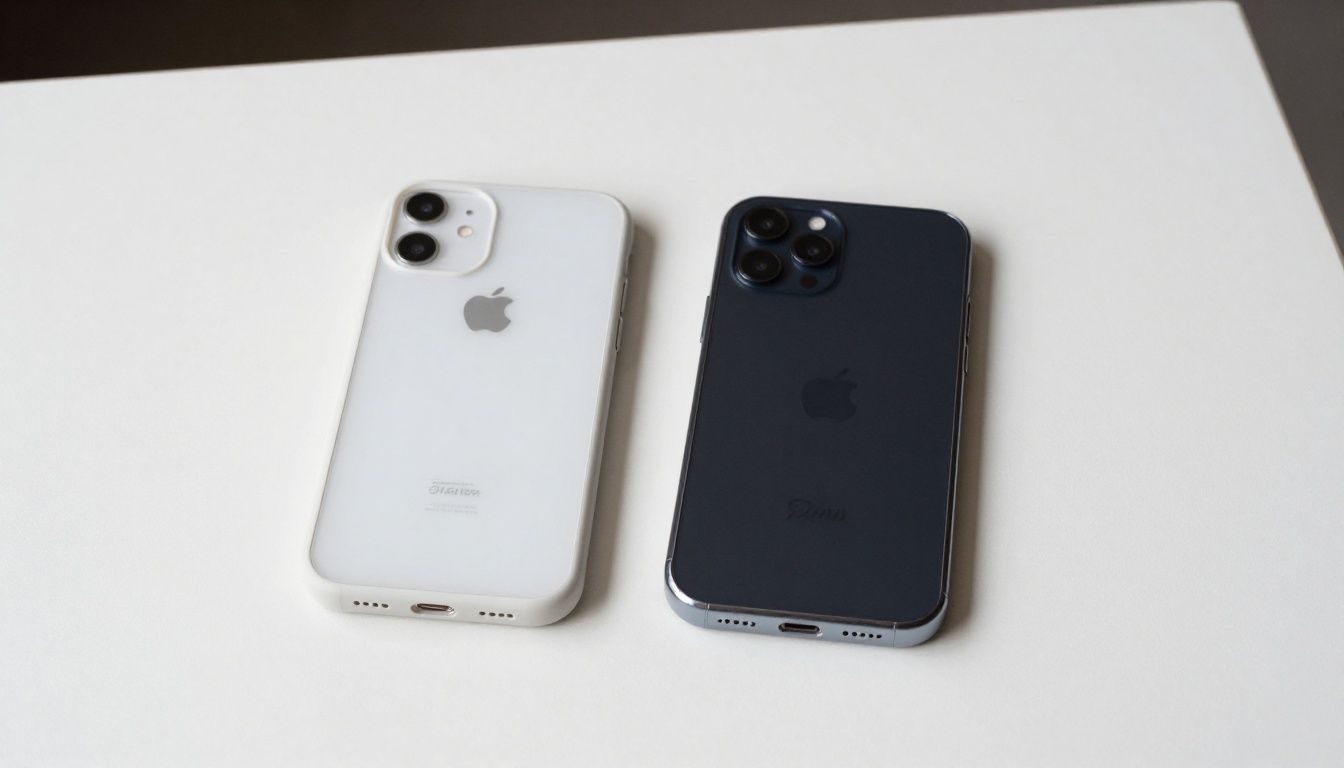
Reasons for Wrong Phone Case Size
Because many modern phones look similar, choosing a case can be confusing. Here are a few reasons why you might end up with the wrong phone case size:
- Model Mix-ups: Phone models released very close together may have near-identical names and dimensions, but cases aren’t always interchangeable. Even a tiny difference can make a case unusable.
- Slim or Thick Cases: Some accessory makers offer ultra-slim or extra-protective cases. These options can feel less forgiving if sizing is even slightly off.
- Overlooked Variations: Features like camera layouts, fingerprint sensors, and speaker positions vary between regions and models of the same phone. This affects compatibility.
Checking your phone’s exact model number (found in your phone’s settings or original packaging) before buying remains one of the most reliable ways to get a good match.
Why Buttons Aren’t Always Working with a Case
If you find that your phone’s buttons are suddenly hard to press or not working at all after fitting a new case, you’re not alone. There are a few major causes for this:
- Stiff Button Covers: Some cases have button covers that provide extra protection but create too much resistance, making them difficult to use.
- Poor Alignment: When the button cut-outs aren’t precisely positioned, pressing the case might not actually press the physical button beneath.
- Phone or Case Flex: Very slim cases or bending the phone slightly (which can happen in a bag or back pocket) may shift alignment, causing temporary or ongoing button problems.
A good test is to fit the empty case onto your phone and check all buttons and switches before daily use. If something isn’t working, it’s best not to force it—doing so can damage your device.
Case Compatibility Explained
Compatibility means more than just fitting around your device. Here’s what to keep in mind:
- Sensor and Camera Clearance: Cases should not obscure front or rear sensors, lenses, or microphones, as this can impact call quality and photos.
- Wireless Charging: Materials or thickness can interfere with wireless charging if not specifically designed for compatibility.
- Accessory Attachment: Some docks, stands, or card readers won’t work with particular case designs. If you use accessories regularly, double-check supported case features.
Real-world Scenario: The Hidden Speaker
Imagine you buy a new case online. Everything seems fine, but calls sound muffled. On closer inspection, you notice the lower speaker is partly covered—even though the case looked like a perfect fit. Mismatched speaker or microphone cut-outs are a typical example of case compatibility creating unexpected everyday issues.
FAQ
How can I figure out if a phone case will fit my phone model?
Check your phone’s exact model number and match it with the listed compatibility details before purchasing. Manufacturers usually include a list of compatible models in their product description.
What should I do if my case buttons aren’t working?
Remove the case and re-fit it carefully. If the problem persists, the case may not be properly aligned or compatible. Using it could damage your phone, so consider a different case.
Are there risks in using a tight or loose phone case?
Yes. Too-tight cases can stress your phone or its buttons; too-loose cases can reduce protection, allow dust inside, or cause the phone to fall out.
Practical takeaway
Phone case fit issues crop up for a variety of reasons, from model differences to misaligned cut-outs. Taking a few moments to double-check your phone model and case details before buying can spare you from common frustrations and help your phone accessories work just as intended.